

How to Create a Social Media Content Calendar You'll Actually Stick To
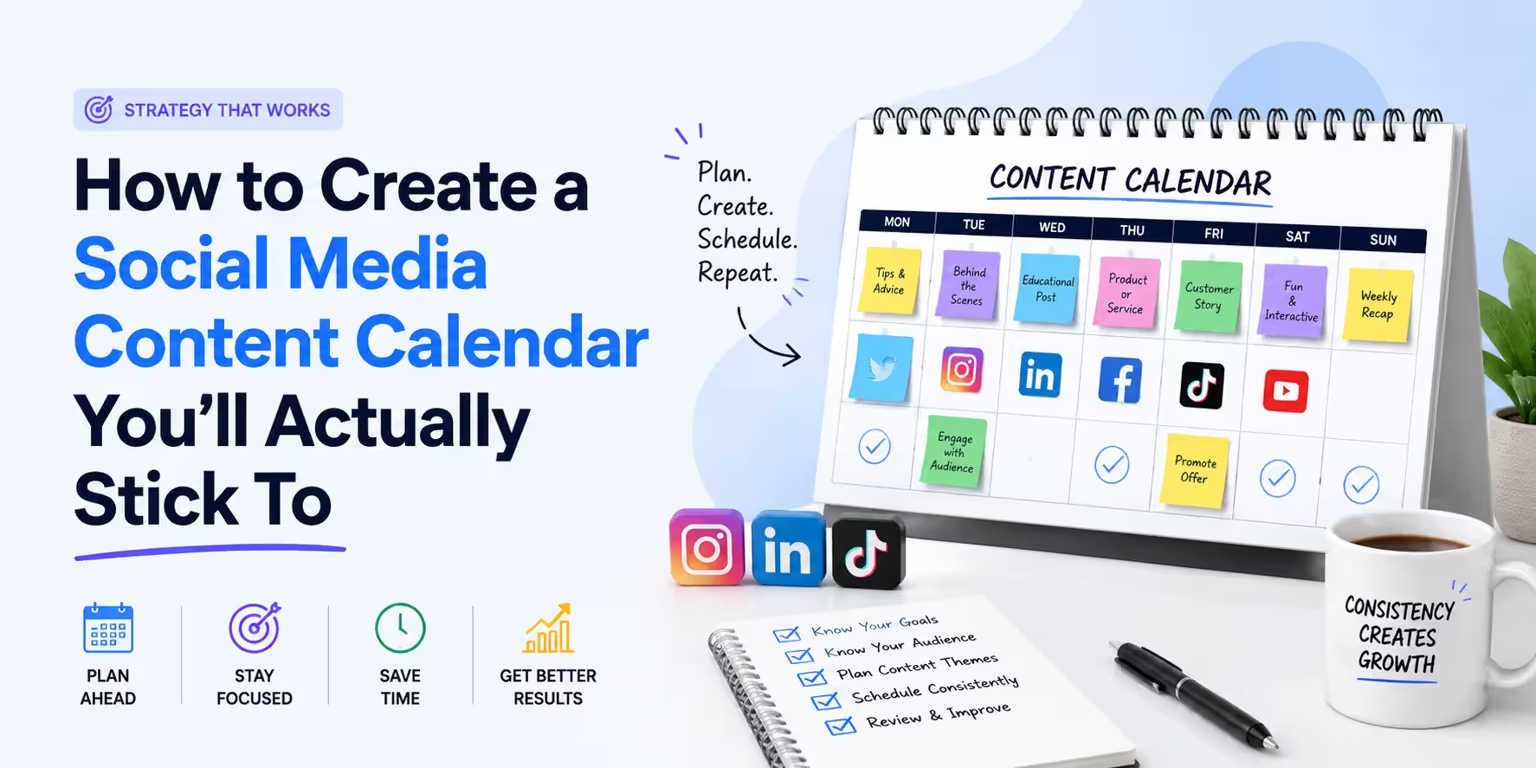
A content calendar isn't another spreadsheet you abandon in week two. Here's a simple, realistic way to plan your social media posts in advance — and actually keep it going.
Most people don't fail at social media because they run out of ideas. They fail because they try to think of a post, write it, design it, and publish it all in the same five minutes — every single day. That is exhausting, and it is the first thing to get dropped when life gets busy.
A social media content calendar fixes that. It separates the planning from the posting, so you make decisions once a month instead of panicking once a day. This guide walks you through how to build one you'll actually use.
What Is a Social Media Content Calendar?
A social media content calendar is a simple plan that shows what you'll post, where you'll post it, and when it goes live. Think of it as a roadmap for your content instead of a daily guessing game.
A good calendar answers four questions at a glance:
That's it. It doesn't need to be fancy. It needs to be clear enough that "future you" knows exactly what to do.
Why You Actually Need One
If you've ever stared at a blank caption box at 9pm wondering what to post, you already know the problem. A calendar gives you three big wins:
> Consistency beats intensity. Three thoughtful posts a week every week will out-perform a burst of fifteen posts followed by a month of silence.
Step 1: Pick 3 to 5 Content Pillars
Content pillars are the core themes you post about. They stop your feed from feeling random and keep you from running dry.
A local bakery might use pillars like:
Choose three to five. Every post you plan should fit under one of them. This single step kills the "what do I even post?" problem before it starts.
Step 2: Choose Your Platforms and Frequency
Be honest about how much you can realistically create. It is far better to post consistently on two platforms than to post sporadically on five.
A realistic starting point for most small brands:
Start small. You can always add more once posting feels easy.
Step 3: Build the Calendar Structure
You don't need special software to start. A simple spreadsheet works. Create one row per post with these columns:
Fill it out two to four weeks in advance. If you can rough out a whole month, even better.
Step 4: Batch Your Content
This is the secret that separates people who keep a calendar from people who quit. Don't create content the day it's due. Set aside one focused block — say, a couple of hours every other week — and create several posts in a row.
Batching works because your brain stays in one mode. Writing five captions back to back is dramatically faster than writing one caption on five different days. Same with shooting photos or filming clips.
Step 5: Schedule It and Walk Away
Once a post is written and the visual is ready, schedule it to publish automatically. This is where a calendar stops being a to-do list and starts being a system that runs without you.
Manual posting means you have to be online at the exact right moment, every time. Scheduling means you do the work once and the posts go out on their own — even on weekends and holidays.
This is exactly the part Flowzens is built to remove. It reads your website, maps out a strategy, generates a visual content calendar for the month, and publishes the posts natively to your channels — so the planning, creating, and scheduling steps above happen mostly on autopilot.
A Simple Monthly Routine
Here's the whole system in a rhythm you can repeat:
Common Mistakes to Avoid
The Bottom Line
A social media content calendar isn't about being a perfectly organized marketer. It's about making one set of decisions ahead of time so you're never stuck creating under pressure. Pick your pillars, choose a realistic posting frequency, batch your content, and schedule it to publish on its own.
Do that, and "staying consistent on social media" stops being a willpower problem and becomes a system — one that keeps running even on your busiest weeks.
Ready to skip the spreadsheet entirely? Start a free trial of Flowzens and let it build your content calendar for you.
Ready to Autopilot Your Growth?
Let Flowzens manage your social media pipeline. Scrape your site, map strategy, generate visual calendars, and publish natively on autopilot.