

When Should You Actually Post on Social Media in 2026?
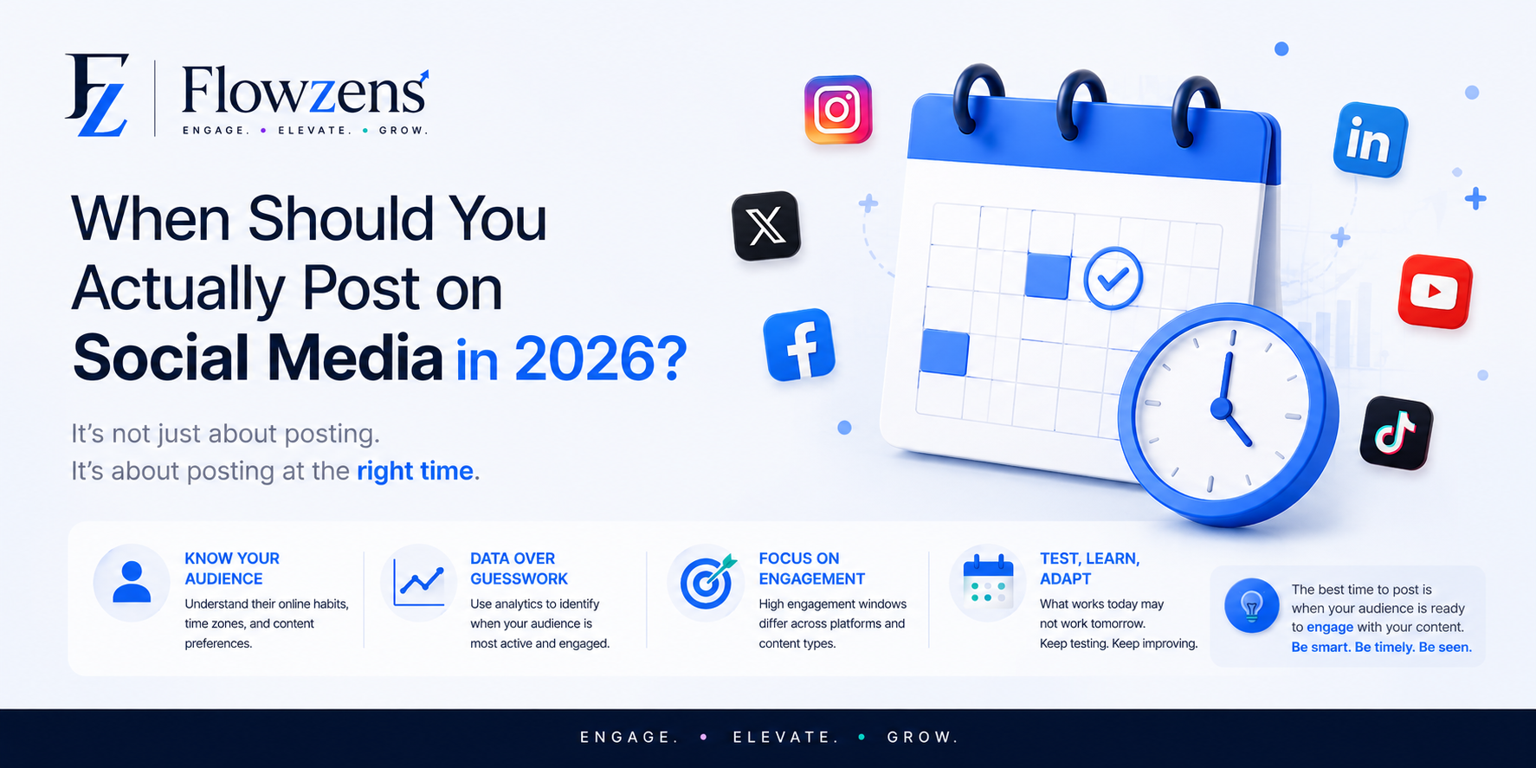
Every blog tells you a different 'best time to post' and most of them are years old. Here's what actually matters in 2026, and why your own data beats any generic chart.
If you've ever searched "best time to post on Instagram," you already know the problem. Every article gives you a different answer. Most of them are copy-pasted from a study done years ago. And none of them know anything about your actual audience.
So let's do this properly. We'll look at what generally works in 2026, why that advice still isn't enough for you specifically, and what you can actually do about it.
Why this advice keeps changing
Every platform keeps tweaking how it decides what to show people. LinkedIn now cares a lot more about how long people read your post and how many real comments it gets. Instagram pushes Reels through its recommendation feed way more than regular posts. Threads has grown into its own thing, with its own rhythm, separate from X.
What this means for you: an old "best time" article from a few years ago isn't just outdated, it can actually hurt you. If you post at 9pm because some blog told you to, but your audience is actually scrolling at 7am before work, you're working against yourself.
General starting points for 2026
Think of these as a starting guess, not a rule. Test them, don't trust them blindly.
LinkedInWeekday mornings, around 7:30 to 9:30am, work well. Midday on Tuesday to Thursday is also solid. LinkedIn goes quiet on weekends for most people, so unless your audience is a bit unusual, skip Saturday and Sunday.
InstagramReels tend to do best late morning (10am to 12pm) or early evening (6 to 8pm), when people are commuting or winding down. Regular posts and carousels are a bit more forgiving since they keep getting seen for longer.
FacebookFacebook's crowd tends to check in around lunch (12 to 2pm) and evenings (7 to 9pm). If you run a Facebook Group, ignore all of this. Groups have their own activity patterns, often very different from your main page.
ThreadsThreads moves in quick bursts, a lot like the old X. Mornings and big news moments tend to spike. Since it's a conversation app, what matters most is posting when people are actually awake and scrolling, not just technically "online."
Here's the honest problem
All of the above describes an average account. And here's the thing, your account isn't average.
If most of your audience is in one country or time zone, generic advice (which is usually based on US habits) could be off by hours. If you're a B2B brand and your buyers actually check LinkedIn on Sunday evenings while planning their week, the "skip weekends" rule doesn't apply to you. If your followers are mostly students or night-shift workers, your best time could be the complete opposite of what any chart says.
The only data that really matters is your own. When do your posts, to your people, get the most likes, saves, replies, and clicks?
How to actually figure this out
There are two ways to go about it.
A simple framework if you want to do it yourself
If you're not ready to automate this yet, here's a simple way to get most of the benefit without much effort.
Timing helps, but it's not magic
One honest note before we wrap up: posting at the "right" time won't save a weak post, and posting slightly "wrong" won't kill a great one. Timing is more like a multiplier than a fix.
What it can do is take a post that would've reached 500 people and help it reach 1,500, simply because it showed up in front of people who were actually around to see it, right when the algorithm was deciding whether to push it further. Do that consistently for a month, and it adds up.
Pair good timing with good content, consistent posting, and replying to people when they engage, and you start seeing growth that feels bigger than the effort you put in. That's really the whole point of running social media as a system instead of from memory.
Want to see this for your own accounts?
If you want to know your actual best posting times, based on your real numbers, not a generic chart, start a free 14-day trial on Flowzens. No card needed. Connect your accounts and see patterns in your own data you've probably never looked at before.
Running multiple client accounts? The Elite Agency plan lets you see this across every brand you manage, from one dashboard.
See all plans and pricing →Ready to Autopilot Your Growth?
Let Flowzens manage your social media pipeline. Scrape your site, map strategy, generate visual calendars, and publish natively on autopilot.