

How to Schedule Instagram Posts in Advance (Step-by-Step)
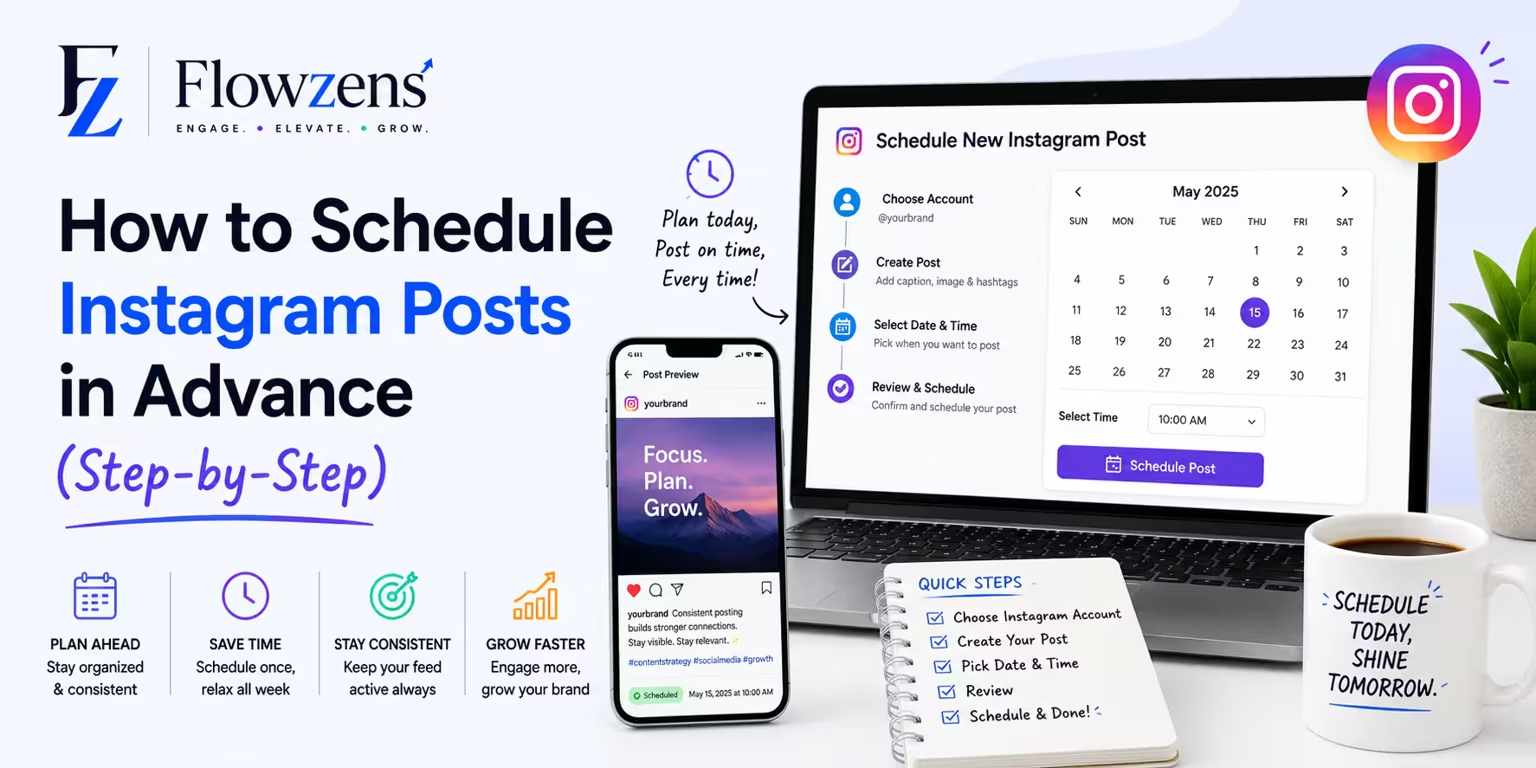
Posting in real time every single day isn't a strategy — it's a trap. Here's how to schedule your Instagram posts in advance so they go out automatically.
Showing up on Instagram every single day, in real time, is the fastest way to burn out. You forget weekends, you scramble at midnight, and the moment life gets busy, your posting stops cold.
Scheduling fixes all of that. You plan and prepare your posts ahead of time, and they publish automatically — even while you sleep, travel, or take a day off. Here's exactly how to set it up.
Why You Should Schedule Instagram Posts
Scheduling isn't just about convenience. It changes how your whole account performs:
> If your posting depends on you being free at the perfect moment every day, it will eventually break. Scheduling removes you as the single point of failure.
What You Need Before You Start
To schedule Instagram posts automatically, two things have to be true:
Step 1: Plan What You're Going to Post
Before you touch any tool, decide on your content. Open a simple list or calendar and rough out your next week or two:
Even a quick plan beats posting whatever you can think of in the moment.
Step 2: Prepare Your Visuals and Captions
Get everything ready in one batch:
Doing this all at once is far faster than creating each post on a separate day.
Step 3: Upload and Set the Date and Time
In your scheduling tool, create each post: add the visual, paste the caption, and choose the exact date and time you want it to publish. Then save it to the queue.
Aim for times when your audience is most active. You can find these in your Instagram Insights under your audience's most active hours. A common sweet spot is early morning, lunchtime, and early evening — but your own data is the real answer.
Step 4: Review Your Queue
Before you walk away, look at your scheduled posts together. Check that:
A quick review now prevents awkward surprises later.
Step 5: Let It Publish — and Stay for the Conversation
Once scheduled, your posts will go live on their own. Your only real job afterward is the part automation can't do for you: showing up to reply to comments and DMs in the first hour or two after a post lands. That early engagement helps your reach.
So the rhythm becomes: plan and schedule in one sitting, then just show up to talk to people.
A Faster Way: Automate the Whole Pipeline
Scheduling tools handle the "publish at this time" part — but you still have to plan the strategy, create the visuals, and write every caption yourself.
Flowzens goes a step further. It reads your website, builds a content strategy, generates a full visual content calendar, writes the captions, and publishes everything natively to Instagram and your other channels — automatically. Instead of scheduling posts one by one, you get a whole month planned and queued for you, ready to review and approve.Common Scheduling Mistakes to Avoid
The Bottom Line
You don't need to be glued to your phone to run a consistent Instagram. Plan your posts in advance, prepare your visuals and captions in a batch, set the date and time, and let them publish automatically. Then spend your energy on the part that actually builds an audience — engaging with the people who respond.
Want your posts planned, written, and scheduled for you? Start a free trial of Flowzens and put your Instagram on autopilot.
Ready to Autopilot Your Growth?
Let Flowzens manage your social media pipeline. Scrape your site, map strategy, generate visual calendars, and publish natively on autopilot.